Slate360 Product
Site Walk Field Engine
Walk a project site, capture conditions in real time, and turn visual data into organized, shareable reports your clients can open, explore, and ask questions about.
Video walkthrough
Drop an MP4/WebM clip here.
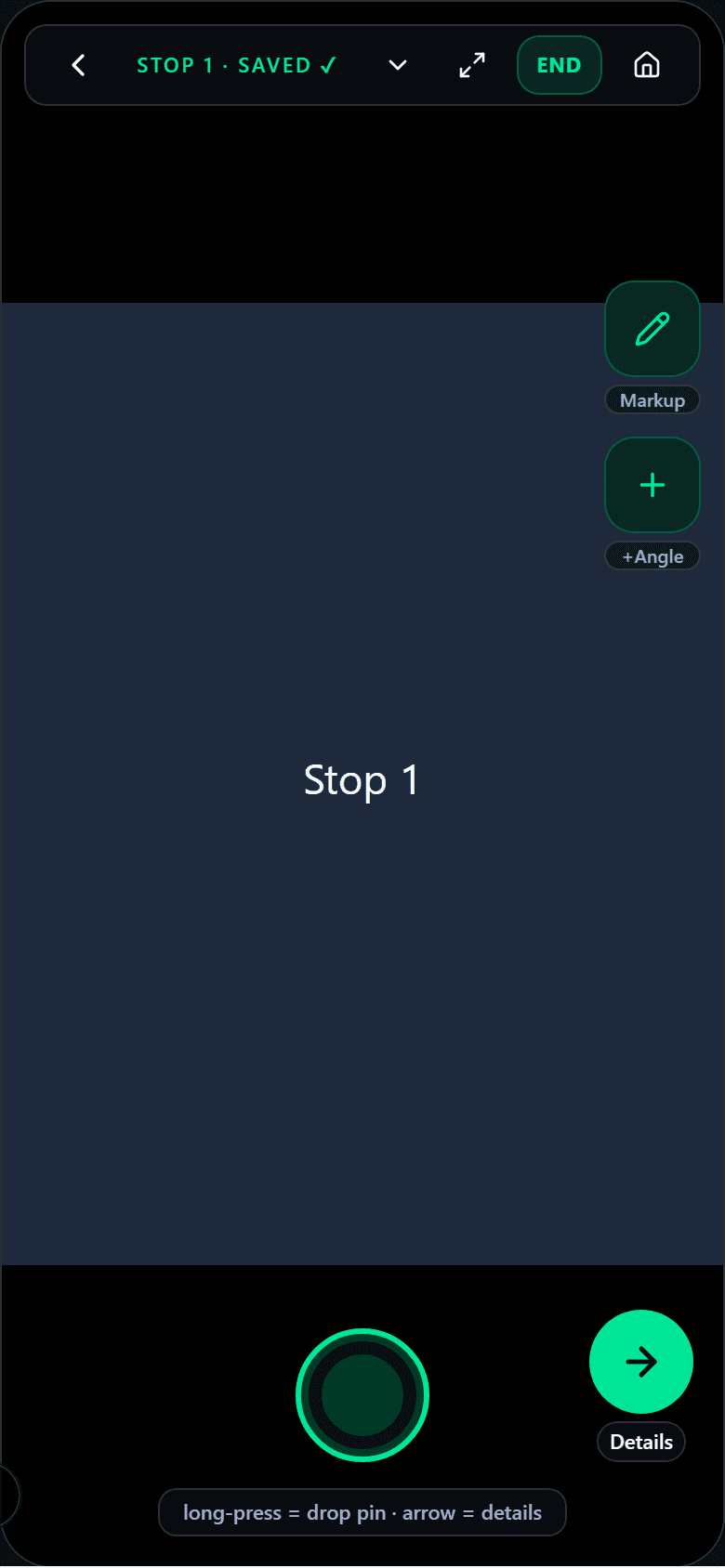
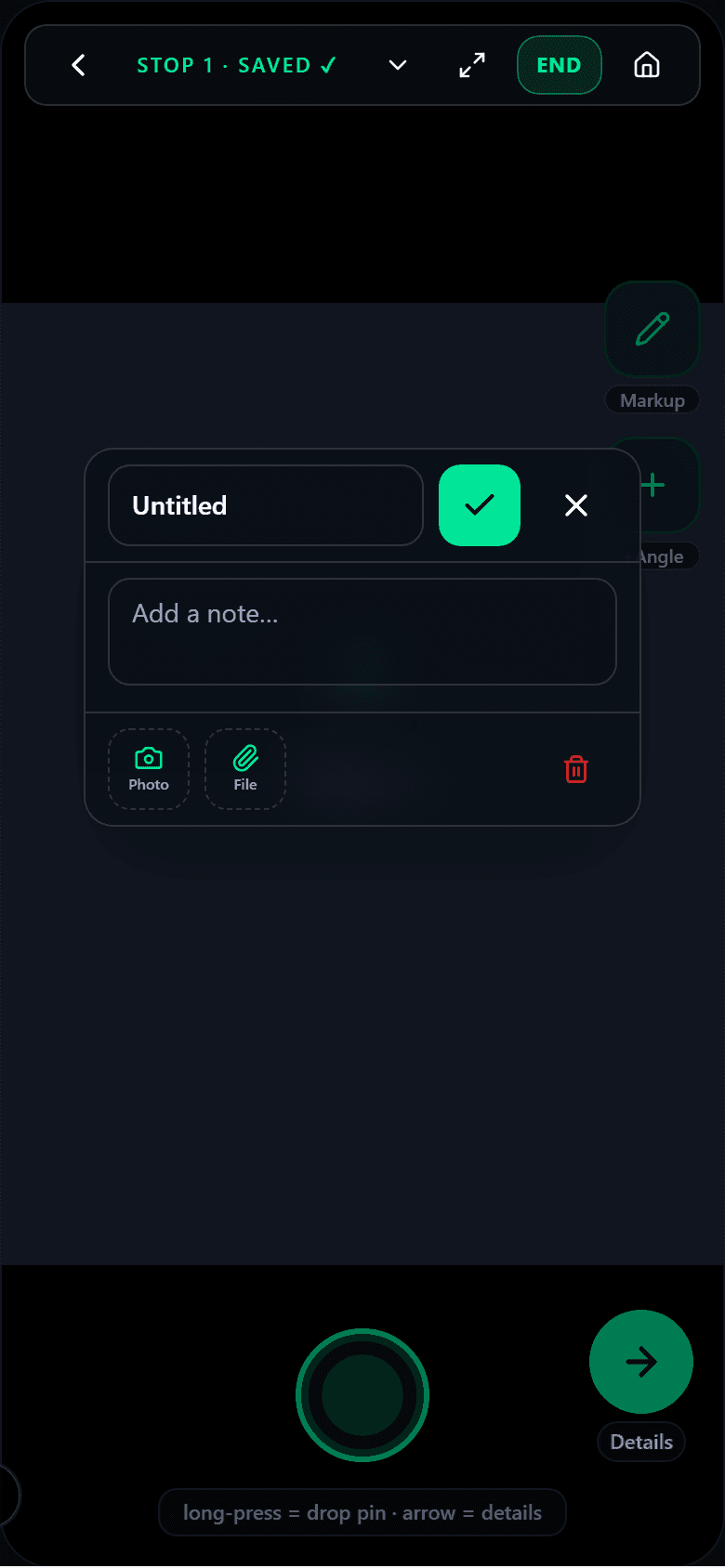
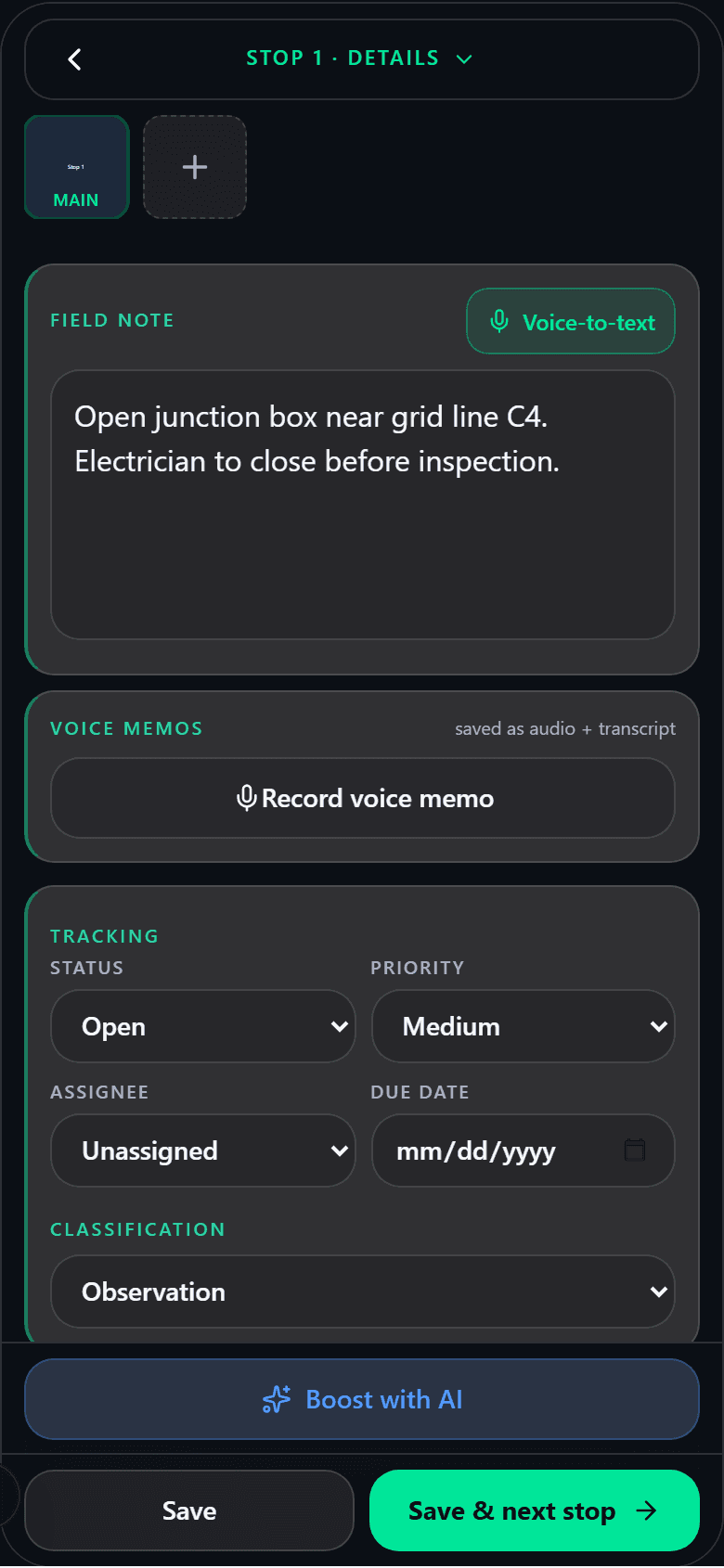
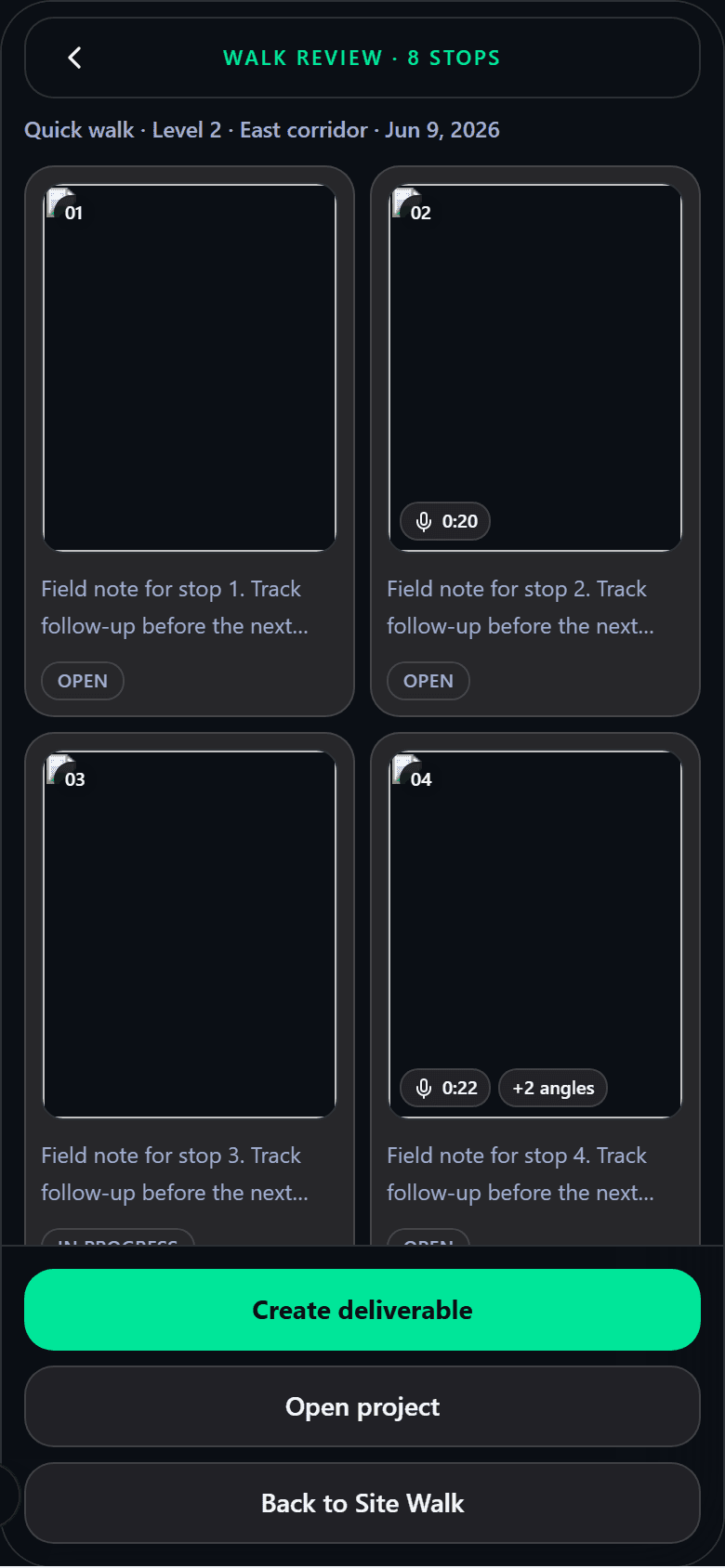
Tap the shutter — that's a stop
Capture
Document the site as you walk it
Open the app, walk the space, and capture conditions in real time. Every photo is bound to its project, timestamped, and geolocated — no loose pictures, no guessing later where a shot was taken.
- Photos with context
- Each photo carries its project, location, and time automatically, so the visual record explains itself months later.
- Notes & voice memos
- Type observations against the shot, or dictate hands-free — voice is transcribed straight into the report.
- Zero camera-roll clutter
- Project photos stay inside Slate360, not your personal camera roll, with secure export when you choose to share.
Plans & pins
Pin every photo to the drawing
Bring your drawings and floor-plan sheets into the walk. Mark exactly where each observation lives so anyone reading the report knows the spot on the plan, not just the picture.
- Drop pins on sheets
- Long-press a drawing or plan sheet to place a high-visibility tracking pin at the precise location.
- Linked both ways
- Tap the plan to mark where a photo was taken — the pin and the photo stay connected.
- Walk the plan
- Build a pinned map of conditions as you move through the space.
Video walkthrough
Drop an MP4/WebM clip here.
Progress
Compare the same angle over time
Ghost overlays make repeat-visit documentation effortless — line up today's shot against a past one and capture true before/after progress.
- Transparent ghost view
- See a faded overlay of a previous photo on the live camera so you can match framing exactly.
- Repeat-angle capture
- Reshoot from the same vantage point on every visit to build a clean progress sequence.
Interactive demo
Embed a live, clickable demo here.
Reliability
Works where the signal doesn't
Job sites lose connectivity. Site Walk keeps capturing regardless and reconciles the moment you're back online.
- Offline-first capture
- Photos, notes, voice memos, and pins are recorded on-device without a connection.
- Syncs automatically
- When the device regains signal, the walk uploads and syncs in the background — nothing is lost.
Permissions & privacy
Clear about what it uses
Camera & location
Used to capture photos and bind them to where they were taken. Requested up front, in plain language.
Motion sensors
Used for accurate framing and ghost alignment — never for tracking you.
Your data, your terms
Project media lives securely in Slate360 and is shared only when you publish or export it.
Deliverables
Turn the walk into something you can send
A finished walk becomes a polished, shareable deliverable in a few taps — no manual assembly. Send it the way your client actually wants to receive it, and keep the conversation attached to the work.
- What's in a report
- Contextual photos, field notes, transcribed voice memos, and plan pins — assembled into a clean, branded document.
- PDF, link, or slideshow
- Export a PDF, publish a hosted link to send by email or text, or present a click-through cinematic slideshow — no login required to view.
- Two-way Q&A
- Clients ask questions right on the shared deliverable; you're notified and reply inline.